Hands-on onboarding delivered by industry professionals
Discover the onboarding steps
Onboarding that’s hands-on, tailored, and gets you moving quickly, powered by real industry experience.
Step 01
Pre-analysis of
your brand
Step 02
Data structure workshop
Step 03
Building tech packs
Step 04
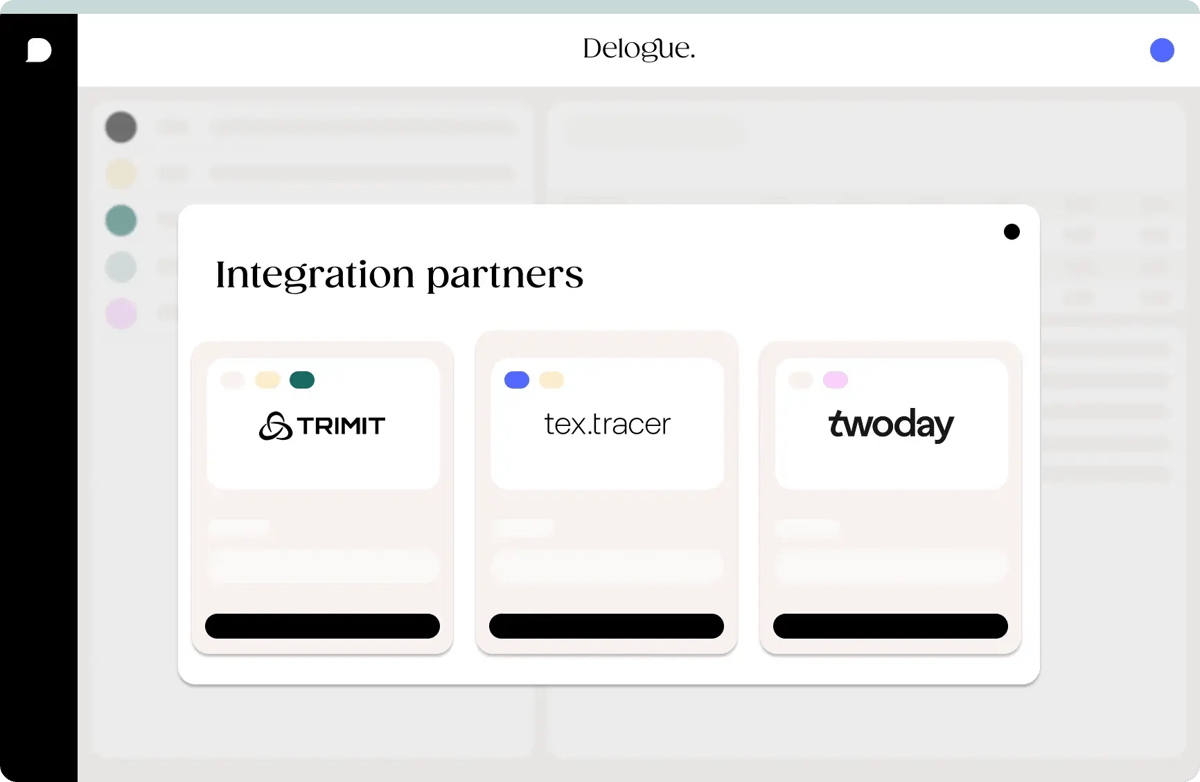
Data flow integration
Step 05
Measurement charts
Step 06
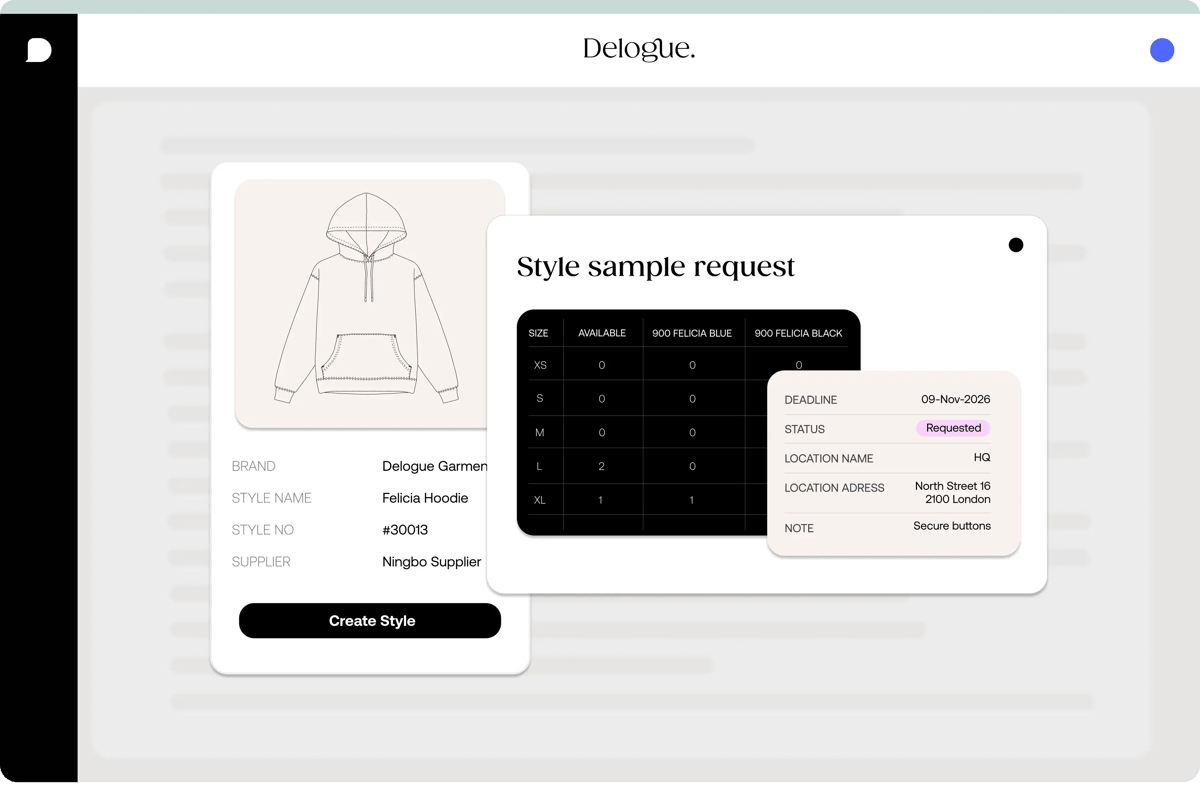
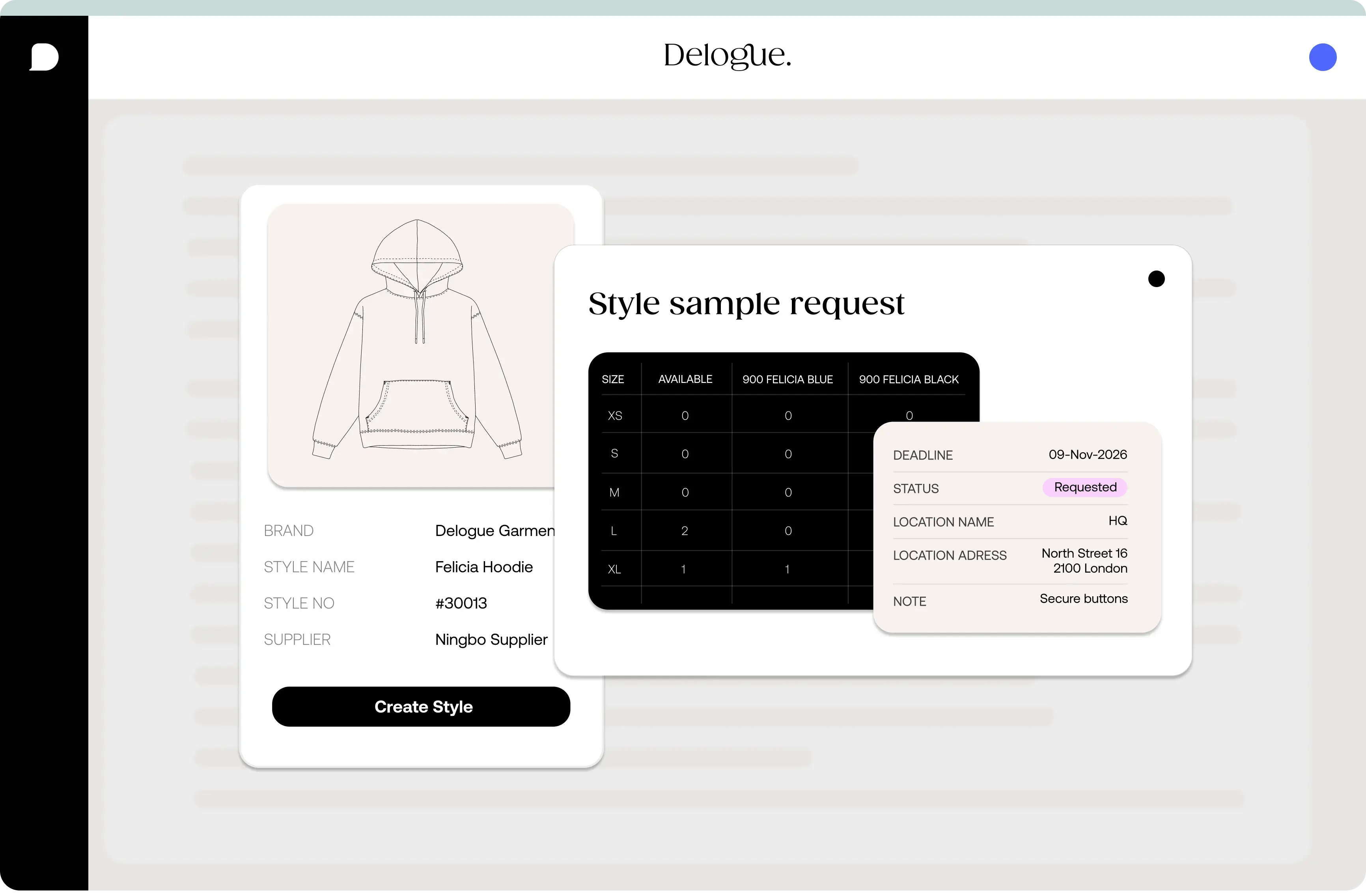
Streamlining sample flow
Step 07
Care label management
Step 08
Price calculations
Step 09
Set up reports and overviews
Step 10
Supplier onboarding
-

Onboarding planning
Pre-analysis
- Business process
- Product data requirements
- Team constellation
- Tech-pack analysis
- Integration requirements
Week 1
-

Hands-on with Delogue
Data Work Shop
- In-depth analysis of product structure
- Style-creation
- Working with seasons, categories, colors, sizes, suppliers, and sample types
- Creating styles via Illustrator Plugin
- Automized style name and number generation
Week 2
-

Building Tech-Packs
Product Creation
- Build up of components library
- Adding color variants styles and components
- Copying of styles and components, working with templates
- Adding files and folders
- Smart filtering and favorites
Week 3
-

Data-flow
Integration
- Integration via open API /Manual Data Export
- Integration via IT partner
- Pushing style data to ERP
- Data Mapping
Week 4
-

Better fittings
Measurement Chart- How to setup size ranges
- Set standard points of measures
- Creation of measurement charts including grading steps
- Linking of measurement charts to multiple products
- Advanced measurements
Week 5
-

Streamline sample flow
Sampling
- Creating sample requests
- Sample commenting
- Sample request overviews and reports
- Batch actions on samples
Week 6
-

Centralize Care Label Management
Care Instructions
- Build care instruction multi-language and regional library
- Create care label templates
- Setup integration to PIM, ERP, and other platforms
Week 7
-

Negotiations and Target Pricing
Price Calculations
- Analysis of current calculations & requirements
- Setting up brand price calculations
- Adding price templates for example for different taxes and freight values
- How to work with prices and reports
Week 8
-

Full Team
Reports- Set up reports
- Work with prices
- Collection-overviews
- Sample overview
Week 9
-

Team & Supplier
Collaboration
- Communication
- Supplier onboarding
- Log and accountability
Week 10
-

Full Team
Advanced Use
- Workflows
- Analytics
- Dashboard
- Tips for smarter use of Delogue
Week 11
-

Onboarding planning
Pre-analysis
- Business process
- Product data requirements
- Team constellation
- Tech-pack analysis
- Integration requirements
Week 1
-

Hands-on with Delogue
Data Work Shop
- In-depth analysis of product structure
- Style-creation
- Working with seasons, categories, colors, sizes, suppliers, and sample types
- Creating styles via Illustrator Plugin
- Automized style name and number generation
Week 2
-

Building Tech-Packs
Product Creation
- Build up of components library
- Adding color variants styles and components
- Copying of styles and components, working with templates
- Adding files and folders
- Smart filtering and favorites
Week 3
-

Data-flow
Integration
- Integration via open API /Manual Data Export
- Integration via IT partner
- Pushing style data to ERP
- Data Mapping
Week 4
-

Better fittings
Measurement Chart- How to setup size ranges
- Set standard points of measures
- Creation of measurement charts including grading steps
- Linking of measurement charts to multiple products
- Advanced measurements
Week 5
-

Streamline sample flow
Sampling
- Creating sample requests
- Sample commenting
- Sample request overviews and reports
- Batch actions on samples
Week 6
-

Centralize Care Label Management
Care Instructions
- Build care instruction multi-language and regional library
- Create care label templates
- Setup integration to PIM, ERP, and other platforms
Week 7
-

Negotiations and Target Pricing
Price Calculations
- Analysis of current calculations & requirements
- Setting up brand price calculations
- Adding price templates for example for different taxes and freight values
- How to work with prices and reports
Week 8
-

Full Team
Reports- Set up reports
- Work with prices
- Collection-overviews
- Sample overview
Week 9
-

Team & Supplier
Collaboration
- Communication
- Supplier onboarding
- Log and accountability
Week 10
-

Full Team
Advanced Use
- Workflows
- Analytics
- Dashboard
- Tips for smarter use of Delogue
Week 11
Meet our onboarding team
A team with many years of hands-on experience across the entire fashion value chain, ensuring a smooth and structured onboarding experience.
Ulla Bang
Head of Customer Success

Charlotte Helveg
Customer Success Lead
Casper Andersen
Onboarding Specialist
Chantal Beck
Customer Success Manager
Onboarding steps
Our onboarding steps are designed to be flexible and tailored to your needs. Some sessions may be face-to-face, others will be online meetings or video guides, and there’s always room for questions and discussion.
The steps don’t always follow a fixed order, as we customise the process to fit your workflows. Throughout the onboarding, you’ll work closely with an industry professional who understands your business.
01 Brand pre-analysis
Let’s take a look at how you’re working today so we can prepare a strong onboarding experience for you.
Examples of what we’ll go through:
02 Data structure workshop
- An in-depth analysis of your product structure
- How to create styles
- Working with seasons, categories, colours, sizes, suppliers, and your sample types
- Creating styles via our direct Illustrator Plugin
- Style name and number analysis
03 Building tech packs
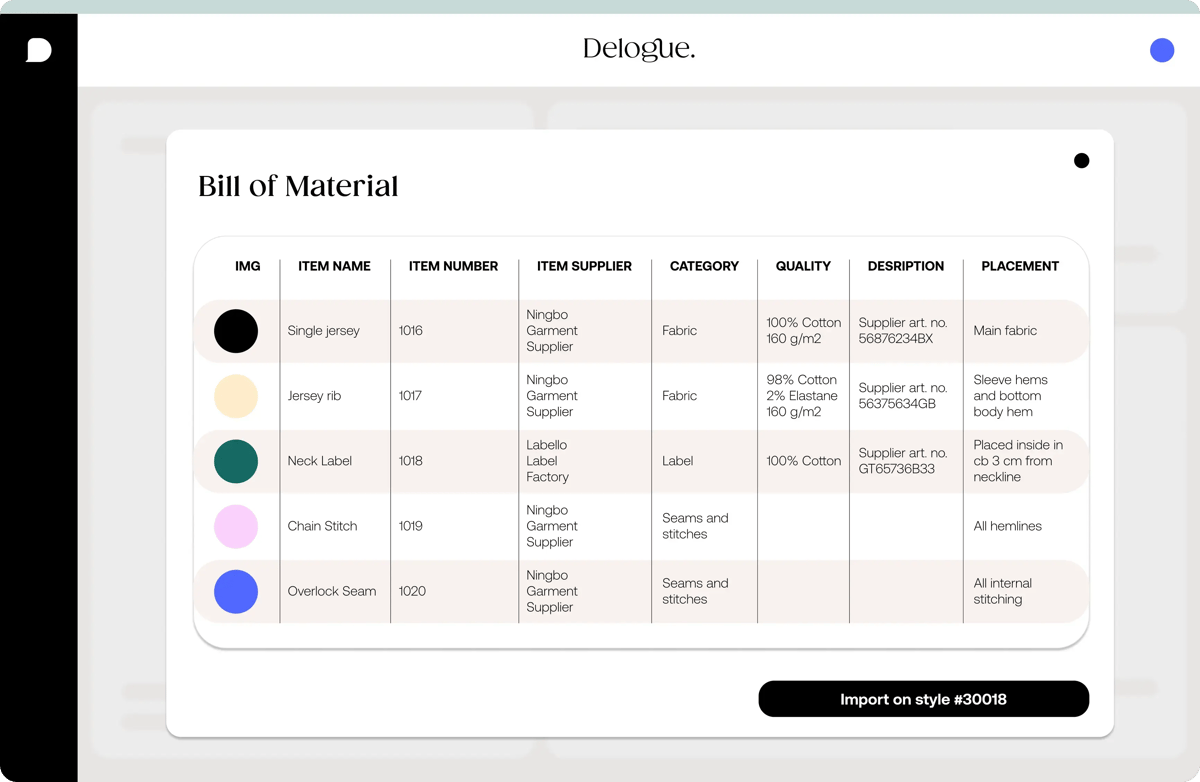
Build and maintain a component library and manage colour variants across styles and components.
Upload and organise files such as HTMs, drawings, and technical details in one connected place.
Copy styles and components, work with templates, and use smart filters and create favourites.
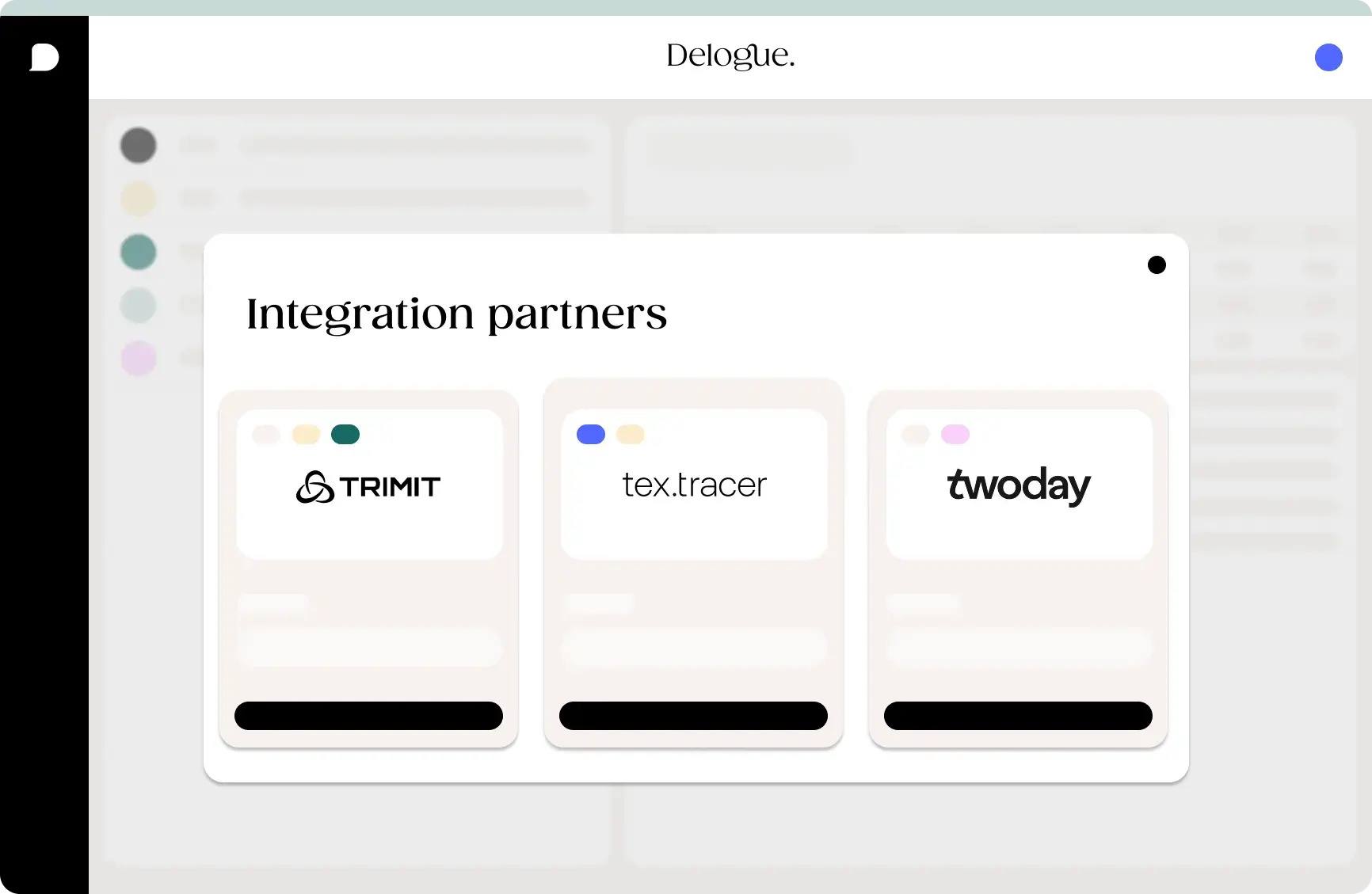
04 Data flow integration
“You can build all the tech in the world, but without strong partnerships, nothing really moves. Collaboration is the real engine.”
Kristian Wahl, Head of Partnerships at Delogue PLM
05 Measurement charts
Ensure better fittings by structuring measurements clearly and consistently across your products. Learn how to work with size ranges and measurement charts to improve accuracy and reduce rework.
What we will work with:
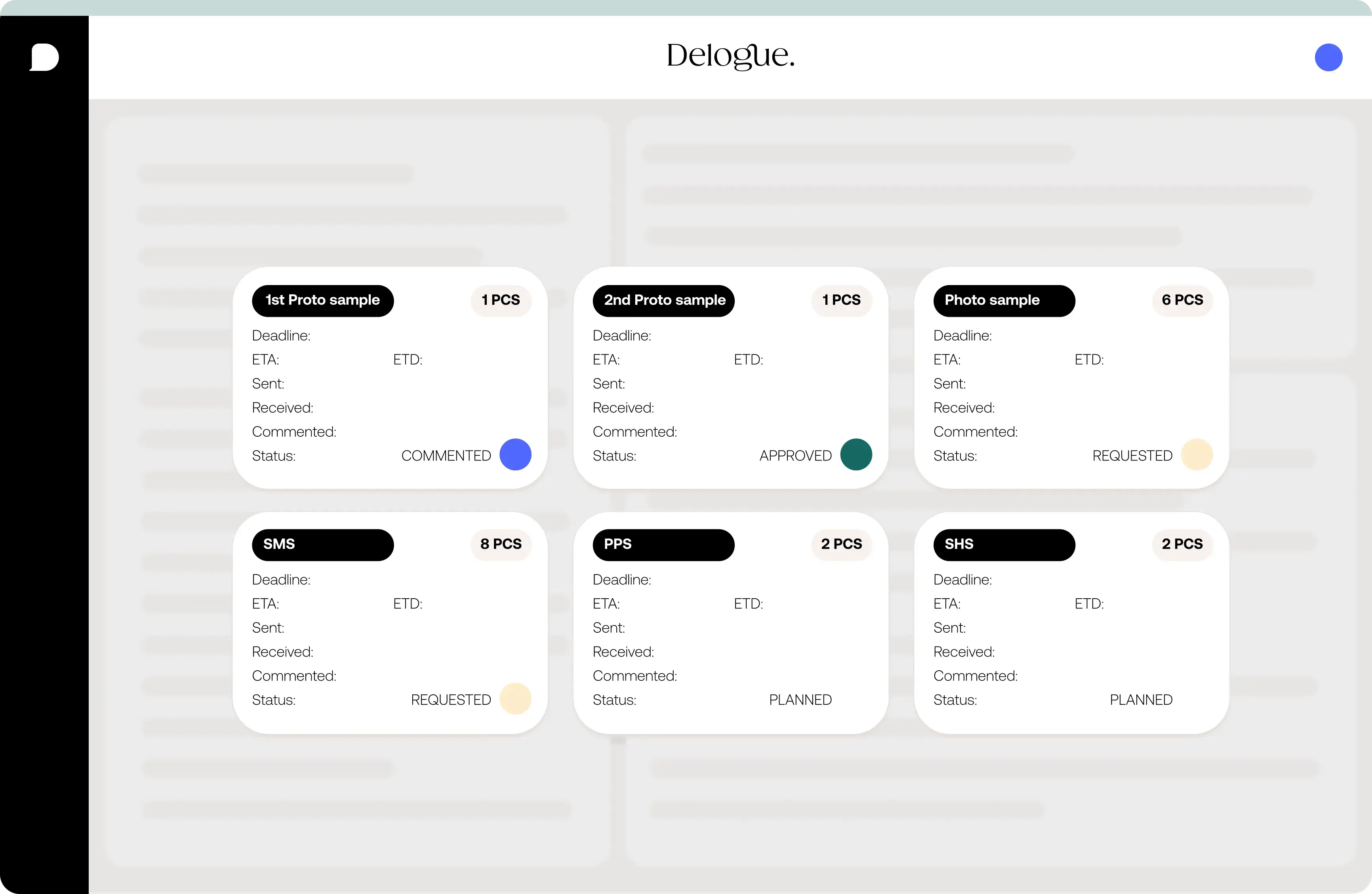
06 Streamline sample flow
-
Creating sample requests
- Comment on your samples
- Sample overviews and reports with the filtering you need
- Batch actions on samples
07 Care label management
08 Price calculations
Review your current calculations and requirements, and set up specific price calculations that support target pricing and negotiations.
Create reusable price templates, for example for different tax structures, freight values, and standard cost scenarios.
Work with prices directly in the platform, compare scenarios, and follow pricing data through clear, structured reports.
09 Set up reports
Learn how to turn your data into insights. When data is added across the platform, it automatically becomes part of a bigger picture, allowing you to track progress, spot bottlenecks, and get clear overviews through reports tailored to your needs.
-
Custom reports: Build reports based on the data you need to see
-
Pricing insights: Analyse and follow prices across styles and collections
-
Sample tracking: Get a clear overview of sample requests and approvals
-
Team visibility: Share insights across teams with role-specific views
While reviewing the reports, you can also work directly within them.
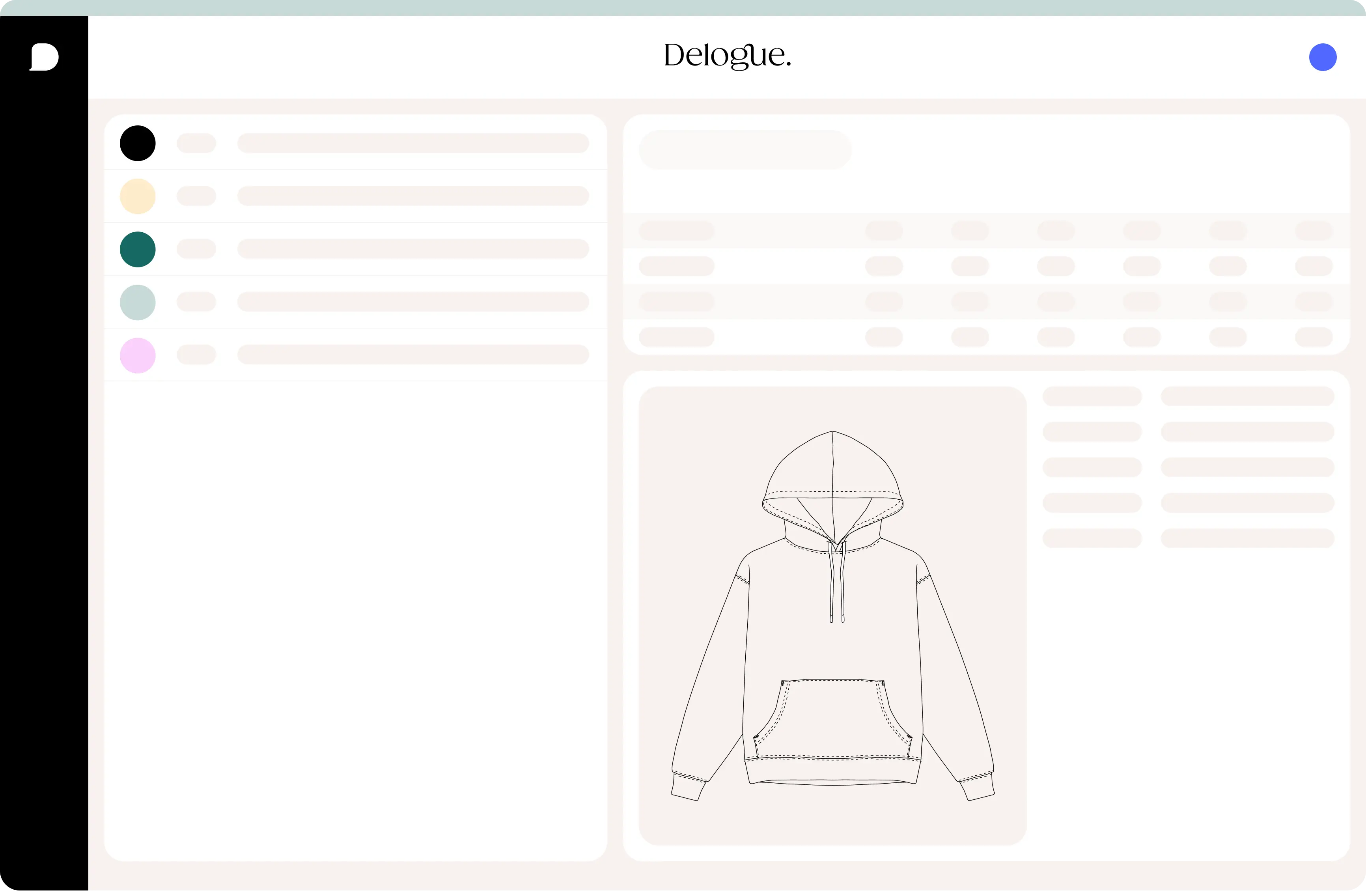
10 Supplier onboarding
Enable seamless collaboration between your team and suppliers by bringing communication, data, and responsibilities into one shared workspace. From onboarding to daily workflows, everything is logged, transparent, and easy to follow.
Here are some examples of the guides:
01 — 03
“The support we received throughout the onboarding process was excellent. Despite our complex needs, Delogue helped us prioritize and implement the system effectively”
Tanja Di Toro Mamarella, Head of Product at Pegador
“It just sparked my interest even more because there are still so many possibilities I think we're not even using yet.”
Sina Hofmann, Product Developer & Designer at SNOCKS
“You don’t need that much of a learning process with Delogue, which I think it’s very important! You just need to know the basics and you get started right away.”
Mette Engelbrecht, Design & Production Manager at ARKK
Frequently asked questions
Onboarding typically takes around 3 months, but the exact timeline depends on your internal schedule, resources, and how much you want to set up from the start. We tailor the onboarding process to match your priorities.
Every customer is different but a usual onboarding process consists of 10-12 sessions depending on how complex your brand is. Not much preparation prior to the onboarding is necessary, but some degree of homework between each session is to be expected.
Support is always included for all users. During your first year as a customer, we schedule regular check-in meetings to ensure everything is running smoothly. Our team is never far away, and the same people who lead your onboarding are also part of our support team.
You can reach support via email or directly through the Delogue platform. Our team has hands-on technical and relevant business knowledge and is ready to look into any challenge you may have.
You also have the option to search our extensive Knowledge Base if you prefer to find the answers yourself.
Due to our open API you can integrate just about any other system you have, as long as it can send data via API. We also have several out-of-the-box integrations. Learn more about those here.
If you need to migrate old master data, this can be done through an export/import function which we can help you set up.
Supplier users are FREE in Delogue.
During the onboarding you will be trained to onboard your suppliers. To support this we have step-by step guides as well as a series of videos explaining exactly how they should work in Delogue. Once onboarding is complete, support is available to suppliers, just as every other user in the platform.